
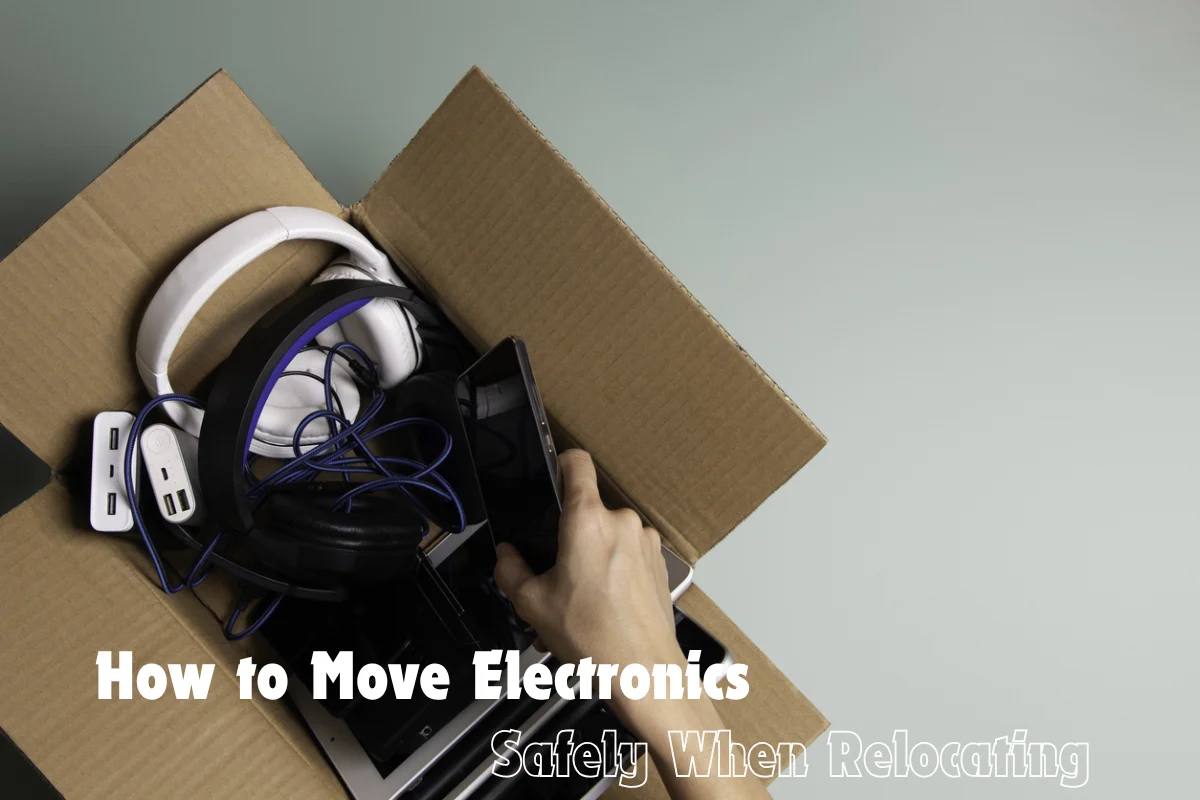
Introduction
Let’s be honest – moving is stressful enough without worrying about your expensive electronics getting damaged along the way. From TVs and laptops to gaming consoles and speakers, these items aren’t just costly, they’re also fragile and often essential to your daily routine. One wrong move (literally), and you could be dealing with cracked screens or internal damage.
The good news? With the right approach, you can handle moving TV safely and packing electronics for moving without turning it into a nightmare. This guide walks you through everything you need to know in a practical, human way – no overcomplicated jargon, just real tips that actually work.
Start with a Plan (Don’t Just Wing It)
Moving day is genuinely chaos. I don’t care how organized you are – there’s something about that day specifically that makes everyone’s brain work at half capacity. Too many people, too many questions, too many decisions happening at once. That’s when you end up making calls you’d never make on a normal day, like deciding your gaming console is probably fine loose in a tote bag.
Write it out before any of that starts. Just a simple list:
- TVs
- Laptops and desktops
- Gaming consoles
- Routers and modems
- Speakers and home theater systems
Having it written down keeps packing electronics for moving from becoming a panicked afterthought at 11pm the night before. You’ll know what actually needs a proper box, what needs to travel in your car instead of the truck, and what you need to track down materials for ahead of time.
Back Up Your Data First
Nobody wants to hear this step because it’s not exciting and it never feels urgent – until the day it suddenly becomes the only thing that matters.
Hard drives don’t handle being knocked around well. SSDs are better but not invincible. Before you even start thinking about packing electronics for moving, back up anything you care about:
- Cloud storage
- External hard drive
- USB drive
What trips people up is assuming that if the laptop physically makes it, everything on it made it too. That’s not always how it works. A drive can take internal damage from vibration that you’d never see or feel from the outside. The backup takes an hour. Losing everything doesn’t get better with time.
Take Photos of Cable Setups
This one feels embarrassingly obvious once you’ve skipped it and regretted it. You disconnect the TV, throw all the cables in a box, arrive at the new place three days later, and stand there completely stumped by what plugs into what.
Before you touch anything, just photograph it all:
- Back of the TV
- Entertainment center
- Router and modem
- Any cable cluster you’ve built up over years and stopped thinking about
Multiple angles if things are complicated back there. This takes maybe five minutes and genuinely saves you from a deeply annoying evening when you’re already exhausted from the move and just want to sit down and watch something.
Use Original Boxes If You Still Have Them
Manufacturers don’t spend money on custom foam inserts because they look nice. That packaging is engineered specifically around that device – shaped to absorb exactly the kind of impact it might encounter. If you kept the original box, use it. There’s no better option for:
- Moving TV safely
- Transporting monitors and anything with a glass panel
- Getting gaming consoles there in one piece
Most people don’t keep original boxes and that’s completely fine. You can still pack things well without them – you just have to put a little more thought into what you’re using instead.
Choose the Right Packing Materials
This is where a lot of moves go wrong quietly. People grab whatever boxes are around, throw in some crumpled newspaper, and call it good. Then they’re surprised when something doesn’t survive. That’s not packing – that’s hoping.
For packing electronics for moving that actually protects things:
- Double-walled boxes – regular cardboard folds under pressure
- Real bubble wrap, not the kind where half the bubbles are already flat
- Packing paper to fill gaps so things can’t shift around inside the box
- Foam inserts for anything genuinely fragile
- Anti-static wrap for anything with exposed circuitry
For moving TV safely specifically – just buy a TV moving box. They’re $20 to $30. A new TV panel is several hundred dollars. I know it feels like an unnecessary purchase but I promise the math works out.
Wrap Everything Properly
Every device. Individually. Not “mostly done” or “wrapped enough.” All the way.
The sequence that actually works:
- Soft cloth or foam first, directly against any screen
- Full layer of bubble wrap around that
- Tape the bubble wrap – but not anywhere near the actual screen surface
When moving TV safely is what you’re trying to do, this step is where it either happens or it doesn’t. Flat screens can crack from pressure that would seem totally minor – a corner pressing into one spot for a few hours, a box sliding during a sharp brake, something leaning against it in the truck bed. Wrapping properly eliminates most of that.
Label Cables and Accessories
Two minutes per device. That’s genuinely all this takes.
What happens when you skip it: every cable goes into one bag in a hurry, they all look identical when you get there, and your first evening in the new place is spent holding cables up to the back of the TV squinting at ports.
What to do instead:
- “TV HDMI”
- “Router Power Cable”
- “PS5 Controller Charger”
Label each one, bag each one separately. It’s the lowest-effort part of packing electronics for moving and the payoff is immediate. You set things up right the first time, and you move on with your evening.
Keep Electronics Together (But Not Overpacked)
Grouping electronics makes sense – same category, same box, easier to find later. What doesn’t make sense is interpreting that as permission to stack everything together because it fits.
Keep it to one or two devices per box. Fill the gaps with padding so nothing rattles or shifts. A heavy overpacked box gets handled carelessly – that’s just human nature. And when boxes are crammed full, things press against each other in ways that cause damage without anything ever getting dropped. Give everything breathing room and proper packing electronics for moving gets a lot safer.
Special Care for Moving a TV
Televisions are probably the most commonly mishandled item in any home move. They’re awkward, they take up space, people want to just get it done – and that’s exactly when bad decisions happen.
For moving TV safely, none of this is negotiable:
- Upright the entire time – flat means the panel is bearing weight it was never designed to bear
- Foam corner protectors on all four corners
- Nothing resting on top of it, even briefly
- Actually secured in the vehicle so it can’t tip or slide
People underestimate how fragile flat screens are because they look like solid objects. They’re not. They’re essentially large glass panels with electronics behind them. Moving TV safely means treating them accordingly – not the way they look, but the way they actually are.
Avoid Extreme Temperatures
This one gets forgotten almost every time and it genuinely matters. The box and the bubble wrap mean nothing if the device sits in a truck that hits 130 degrees in the afternoon sun or drops below freezing overnight.
Heat warps things internally. Cold creates condensation inside the device – and then you power it on before it’s had time to dry out. Both situations can silently damage electronics that otherwise physically survived the move without a scratch.
Simple habits that help:
- Don’t leave electronics in a parked vehicle any longer than needed
- Load them last, unload them first
- If there was a serious temperature difference, wait a couple of hours before turning anything on
This matters especially for packing electronics for moving during summer and winter when vehicle interiors turn extreme faster than people expect.
Transport with Care
Where things sit in the truck during the actual drive matters more than most people think about. Good packing doesn’t help much if the box ends up under a heavy dresser or stacked against things that shift on every corner.
- Find a stable spot where nothing will slide
- Keep electronics away from anything heavy that could move into them
- Nothing heavy sitting on top of fragile boxes
And honestly – laptops, tablets, cameras – just take those in your car. It’s the easiest possible upgrade to your packing electronics for moving setup and it costs nothing.
Unpack the Right Way
Everything arrived. It all looks fine. You want to plug everything in immediately – totally understandable, but hold off just a bit.
- Temperature difference during the move? Give things a couple of hours to adjust before powering on
- Check everything visually before it gets plugged in
- Use those cable photos to reconnect things properly the first time
The care that went into packing electronics for moving pays off completely only if you don’t rush the last part. You’re so close – don’t skip the final step.
Consider Professional Help
For some setups, the honest answer is just to hire people who do this for a living. Large home theater systems, high-end projectors, multiple big screens – if it costs more to replace than a mover charges to transport, the math is pretty simple.
Professional movers like Allied Movers who handle electronics bring:
- Real equipment for moving TV safely at scale
- Custom solutions for setups that don’t fit standard packing approaches
- Experience that comes from doing this constantly rather than once every few years
No shame in it. Some stuff is worth the hire.
Common Mistakes to Avoid
The same mistakes come up constantly in stories about packing electronics for moving going badly:
- Skipping the backup because it’ll “probably be fine”
- Using whatever boxes happen to be around instead of the right ones
- Pulling cables without labeling any of them
- Laying the TV flat because upright felt harder to manage
- Running out of time and skipping wrapping entirely
None of these are complicated errors. They’re just shortcuts that feel acceptable in the moment. Avoiding them is what moving TV safely and keeping everything else intact actually looks like in real life.
Final Thoughts
Most electronic damage during moves was completely preventable. That’s what makes it so frustrating when it happens. It’s not usually bad luck – it’s a few decisions that seemed fine at the time and look obviously wrong afterward.
Moving TV safely and doing packing electronics for moving right doesn’t take a lot of money or special expertise. It takes treating your electronics like what they actually are – expensive, fragile things – instead of assuming they’re tougher than they look.
You already paid good money for this stuff. An extra hour of care before a move is just common sense follow-through on that investment. It beats standing in your new place staring at a cracked screen you could have prevented.
Frequently Asked Questions
1. How do I ensure moving TV safely?
Always transport your TV upright in a well-padded box with proper screen protection.
2. What is the best way for packing electronics for moving?
Use sturdy boxes, bubble wrap, and anti-static materials to protect each item individually.
3. Should I remove cables before packing electronics?
Yes, disconnect and label all cables to make reinstallation easier.
4. Is it necessary to back up data before moving electronics?
Yes, backing up your data prevents loss in case of damage during the move.
5. Can I use regular boxes for packing electronics for moving?
Yes, but ensure they are strong and properly cushioned to avoid damage.